Moving a Patient to an Existing Responsible Party in Denticon:
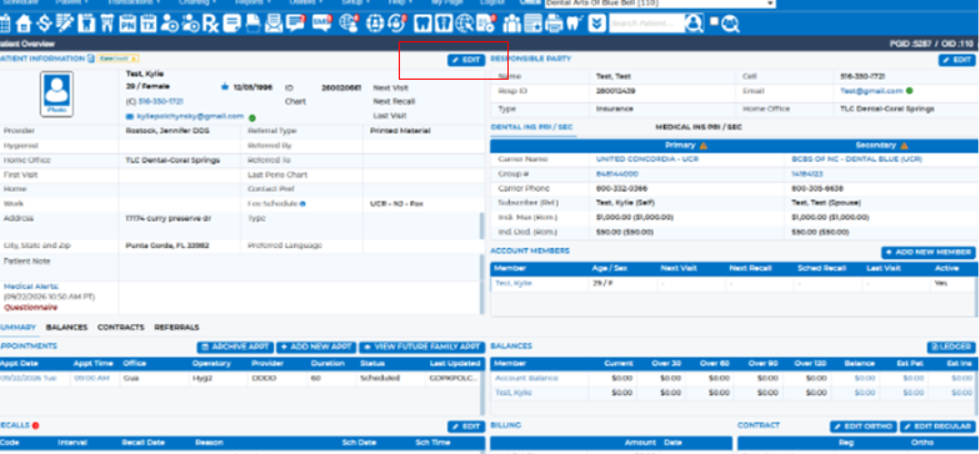
- Navigate to the Patient Overview of the patient you want to move to an existing responsible party.
- Select Edit.
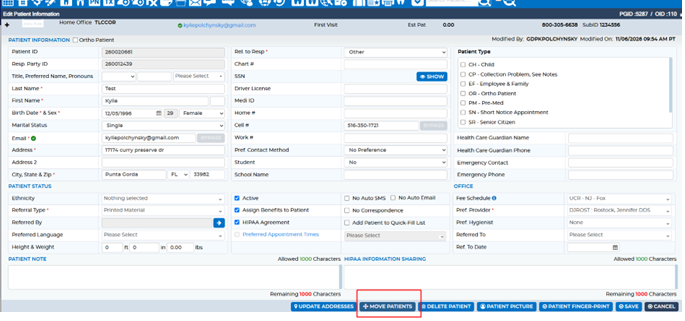
- Navigate to Move Patients.
4. Select "Move to Existing" under "Change Responsible Party" and enter the existing responsible party's ID number or first and last name. Verify that the information is correct.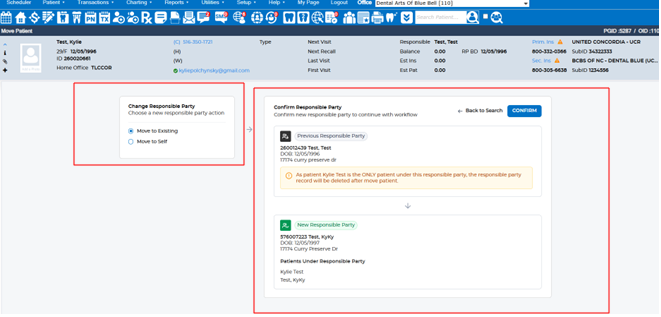
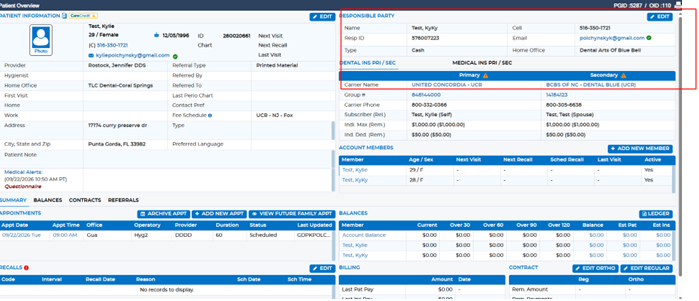
5. Once verified, select Confirm to complete the move. The accounts will now become a family account with the new responsible party.
Was this article helpful?
That’s Great!
Thank you for your feedback
Sorry! We couldn't be helpful
Thank you for your feedback
Feedback sent
We appreciate your effort and will try to fix the article