Change a Responsible Party in Denticon:
Follow the steps below to update a patient's responsible party without merging accounts.
- Update the Patient Relationship: In the Patient Overview, make sure the patient's relationship to the responsible party is changed from SELF to the appropriate relationship. This is a critical step and must be completed first.
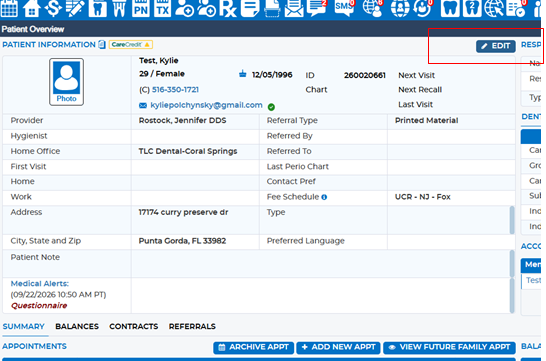
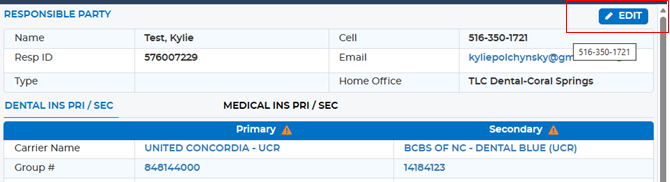
- Navigate to Responsible Party: Go to the Responsible Party section and select Edit.
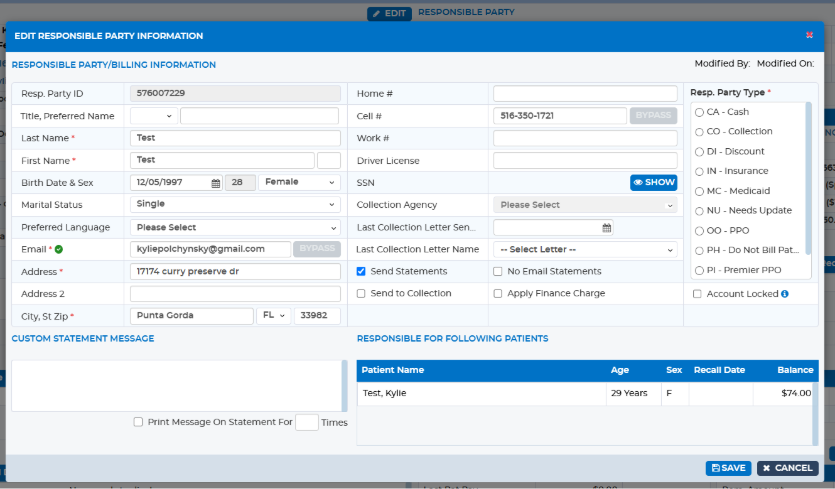
- Update the Information: Enter the applicable information for the new responsible party.
- Save the Changes: Select Save to apply the updates.
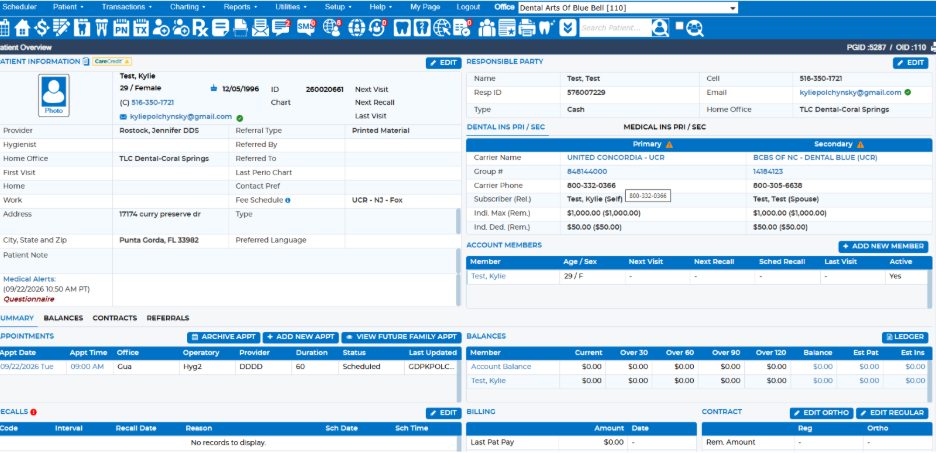
- Verify the Changes: Return to the Patient Overview and confirm that the responsible party information has been updated correctly.
Was this article helpful?
That’s Great!
Thank you for your feedback
Sorry! We couldn't be helpful
Thank you for your feedback
Feedback sent
We appreciate your effort and will try to fix the article