Open the Primary Insurance Screen
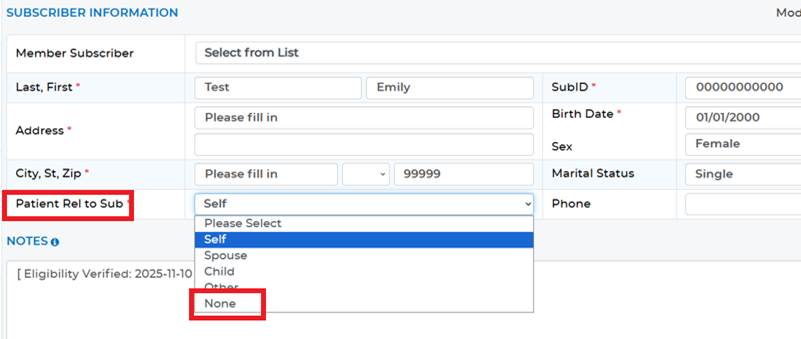
- Change Patient Relationship to Subscriber to “None”
Open the Secondary Insurance Screen
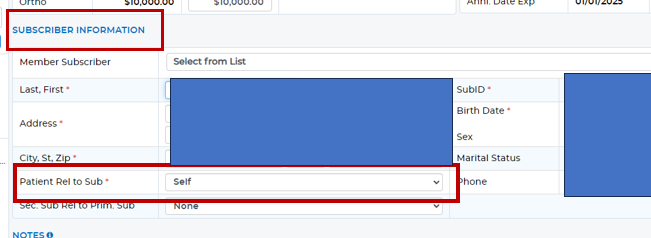
- Change Patient Relationship to Subscriber to “None”
- Change Secondary Subscriber Relationship to Primary Subscriber to “None”
NOTE: These plans will still be stored in the account as dormant plans, which can be accessed by changing the Search In box to Account Plans
Was this article helpful?
That’s Great!
Thank you for your feedback
Sorry! We couldn't be helpful
Thank you for your feedback
Feedback sent
We appreciate your effort and will try to fix the article