The Executive Summary report provides a centralized view of key performance indicators (KPIs) for the office, including metrics such as new patients (NPs), production, collections, adjustments, and missed appointments, within a specified date range.
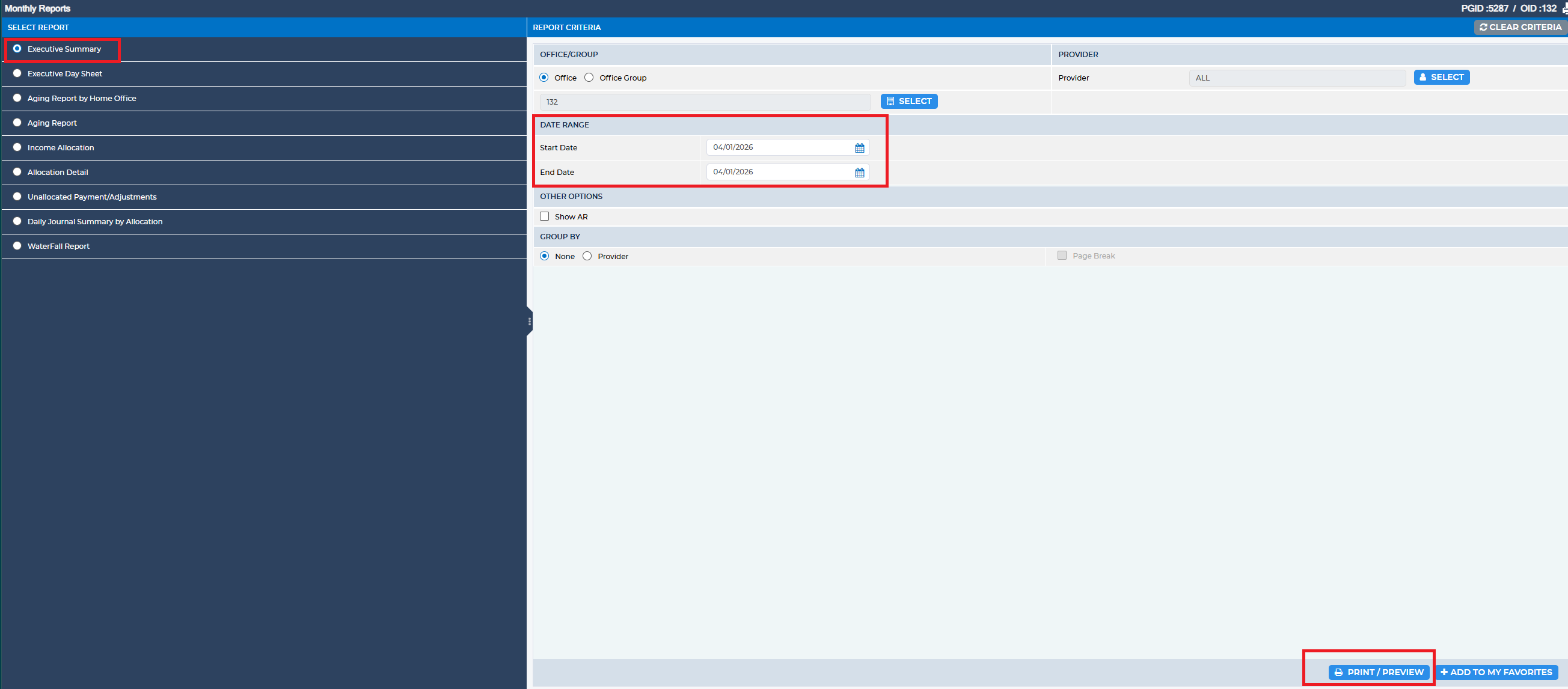
To access this report, navigate to:
Reports > Monthly Reports > Executive Summary
Reports > Monthly Reports > Executive Summary
Within the Report Criteria section, complete the following field:
- Date Range: Enter the desired start and end dates.
Was this article helpful?
That’s Great!
Thank you for your feedback
Sorry! We couldn't be helpful
Thank you for your feedback
Feedback sent
We appreciate your effort and will try to fix the article